


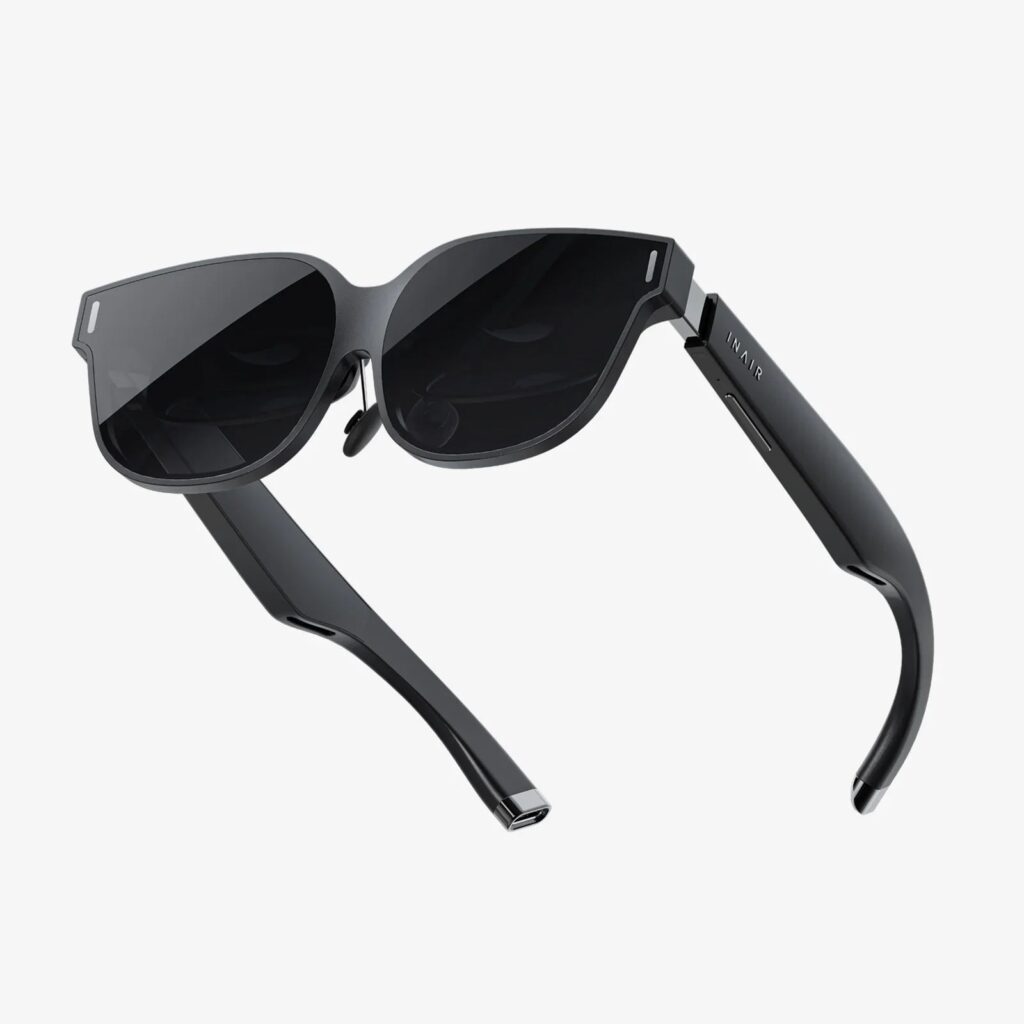
Exploring virtual reality on mobile devices has become increasingly popular, offering immersive experiences without the need for bulky setups. As technology advances, portable VR headsets designed for smartphones have become more accessible, lightweight, and user-friendly, making virtual environments reachable anytime, anywhere. Whether you’re a gaming enthusiast, a curious newcomer, or a professional seeking innovative ways to utilize VR, understanding the options and how to optimize your experience is essential. This comprehensive guide covers everything you need to know about mobile VR headsets, from choosing the right device to maximizing its capabilities.
What Is a Mobile VR Headset?
A mobile virtual reality headset is a device that allows users to experience immersive 3D environments using their smartphones. These headsets typically consist of a frame or goggles that hold the phone in place, along with lenses that create a stereoscopic effect to simulate depth and realism. Unlike tethered VR systems that require external sensors and powerful PCs, mobile VR sets are designed for portability and ease of use, making virtual experiences accessible on the go.
These headsets are compatible with a wide range of smartphones, provided they meet certain size and hardware requirements. They usually include adjustable straps, focus adjustments, and sometimes built-in audio to enhance immersion. Popular models include the Oculus Quest Go, Samsung Gear VR, and various third-party options available online.
Advantages of Portable VR Devices
Mobile VR headsets offer several significant benefits over traditional systems:
- Portability: Compact and lightweight, these devices can easily fit into a bag or pocket, allowing for virtual experiences anywhere.
- Affordability: Generally more affordable than high-end tethered VR setups, making VR accessible to a broader audience.
- Ease of Use: Simple to set up and operate, often requiring just a smartphone and a compatible app.
- Wide Compatibility: Compatible with various smartphones, providing flexibility depending on your device preferences.
- Convenience: No need for external sensors or cables, reducing clutter and setup time.
These benefits make portable VR an excellent choice for casual users, travelers, and educational purposes.
Choosing the Right Mobile VR Headset
Selecting the ideal mobile VR headset depends on several factors:
- Compatibility: Ensure the headset supports your specific smartphone model in terms of size and hardware capabilities.
- Comfort: Look for adjustable straps, lightweight materials, and ergonomic design to ensure comfort during extended use.
- Field of View (FOV): A wider FOV enhances immersion; aim for at least 90 degrees.
- Lens Quality: High-quality lenses reduce distortion and improve image clarity.
- Additional Features: Consider built-in headphones, adjustable focus, or compatibility with controllers for a more interactive experience.
Popular models like the Oculus Quest, Samsung Gear VR, and various universal headsets cater to different budgets and preferences. Reading reviews and comparing specifications can help you find the best fit.
Setting Up and Using a Mobile VR Headset
Once you’ve chosen your device, setting it up typically involves these steps:
1. Install Compatible Apps: Download VR-compatible apps and games from app stores or dedicated platforms.
2. Insert Your Smartphone: Secure your device within the headset, ensuring it’s centered and stable.
3. Adjust Focus and Fit: Use the adjustable straps and lens focus to optimize image clarity.
4. Configure Settings: Calibrate the device as needed, including IPD (interpupillary distance) adjustments if available.
5. Start Exploring: Launch your chosen app or game and enjoy immersive virtual environments.
For optimal performance, ensure your phone’s software is up to date and that it has sufficient storage and battery life. To enhance your experience, consider using external controllers or sensors if compatible.
Tips for Maximizing Your Mobile VR Experience
To get the most out of your portable VR headset, follow these tips:
- Keep Your Device Updated: Regularly update your smartphone and VR apps to access new features and improvements.
- Manage Power Consumption: Use power-saving modes or carry portable chargers to prevent battery drain during extended sessions.
- Maintain Clean Lenses: Regularly clean your lenses with a microfiber cloth for clear visuals.
- Create a Safe Play Area: Ensure your surroundings are free of obstacles to avoid accidents during immersive sessions.
- Explore External Accessories: Consider third-party accessories like external controllers, headphones, or VR trigger buttons to expand functionality.
Additionally, if you’re interested in customizing your setup or managing large game libraries, you might want to learn how to optimize your digital library. For example, you can read about changing your game download location and managing existing files to better organize your storage.
Limitations and Considerations
While mobile VR is highly accessible, it does have some limitations:
- Processing Power: Smartphone hardware may not handle complex graphics or high frame rates as well as dedicated VR PCs.
- Comfort: Extended use can cause fatigue or discomfort due to the device’s weight or fit.
- Battery Life: VR experiences can drain your phone’s battery quickly.
- Content Availability: Not all apps or games are compatible with every device; compatibility varies.
Furthermore, if you wish to transfer or share game files between devices, you might find it helpful to learn how to download and transfer steam game files to android devices, which can streamline your content management.
In some cases, you may want to install games on your PC and use your mobile device as a secondary display or controller. If that’s the case, understanding how to set up your system can be crucial, or you might need to learn how to install retail disc-based Steam titles without lengthy downloads.
—
By choosing the right mobile VR headset and following best practices, you can enjoy immersive virtual reality experiences wherever you go. With ongoing advancements in mobile hardware and VR software, the future of portable VR looks brighter than ever.