


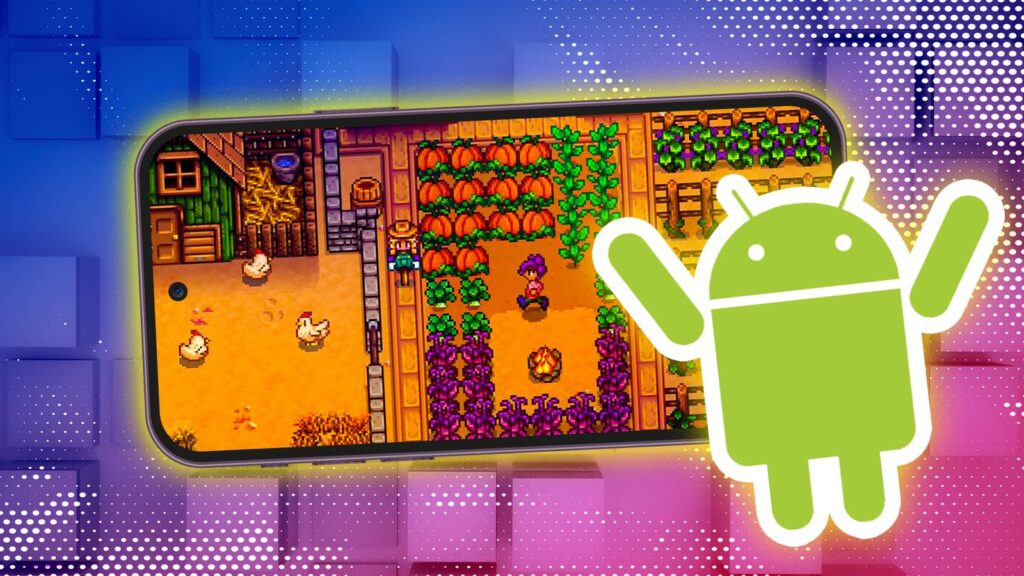
Playing Android games without an internet connection can be surprisingly straightforward once you know where to look and what to expect. Whether you’re traveling through areas with poor connectivity, on a plane, or simply choose to disconnect, there are plenty of options that allow you to enjoy your favorite titles offline. Many games come with built-in offline modes, while others require a bit of preparation or specific purchases. Understanding how to identify these games and utilize emulators or built-in features can significantly enhance your gaming experience without relying on an active internet connection.
Many Android games, including popular titles and classic arcade games, can be played offline, especially if they are paid upfront or explicitly support offline mode. This guide will walk you through the best ways to find and enjoy offline Android games, from pre-installed options to third-party emulators. Whether you’re a casual gamer or a dedicated enthusiast, knowing these tips will help you stay entertained regardless of your internet situation.
Playing Android’s Built-in Offline Games
Some Favorites May Already Be on Your Phone
Google provides several classic games bundled with the Google Play Games app, which can be played offline. These games are lightweight, often designed to fit on cartridges or floppy disks, and do not require much storage space. You might find yourself surprised by the variety of titles available:
- Solitaire
- Minesweeper
- Snake
- PAC-MAN
- Cricket
- Whirlybird
The most popular among these is PAC-MAN, which remains a classic favorite. While you can purchase more advanced versions of these games on the Play Store, the built-in versions are perfectly adequate for casual offline play. To access these titles:
- Launch the Play Games app on your device.
- Tap Home if you’re not already there.
- Scroll to the Google Built-In Games section.
- Tap Play next to your desired game to start playing.
These titles are excellent options for quick, offline entertainment without any additional setup.
Finding Offline Games on the Google Play Store
Expect to Pay a Little for Quality
When searching for more substantial offline games, the process can be a bit complicated due to the business models of mobile game developers. Many titles rely on ads or in-app purchases that typically require an internet connection to verify transactions or deliver advertisements. However, paid titles often provide better offline support because they usually don’t depend on constant online verification.
If you want to ensure a game can be played offline, check its description on the Google Play Store or the developer’s official website for mentions of offline functionality. Generally, games that cost $10 or more upfront are more likely to support offline play, even if they include optional in-game purchases. These games tend to have fewer interruptions like ads and less frequent online verification needs. Popular options include:
- Stardew Valley, a relaxing farming RPG that’s highly praised.
- Dead Cells, a challenging roguelike platformer with deep gameplay.
For example, Stardew Valley offers an immersive experience that can be enjoyed offline, making it an excellent choice for long trips or areas with limited connectivity.
What About Emulators?
Treading into Risky Waters
If you’re interested in classic gaming, emulators like RetroArch or Lemuroid can enable offline play of older console games on your Android device. These emulators require you to download ROM files beforehand, which are essentially digital copies of game cartridges or discs. Once loaded, you can enjoy your favorite retro titles without an internet connection.
However, using emulators involves several legal and technical considerations. Emulators themselves exist in a legal gray area and are often subject to removal from app stores if they infringe on copyrights. ROM files are usually considered copyrighted material unless you own the original game or the files are legally obtained from public domain sources. Additionally, performance varies depending on your device’s hardware, especially for more recent consoles like PlayStation or Xbox.
To enjoy classic titles offline, you should:
- Download and install a reputable emulator app.
- Acquire ROM files legally, such as backups of games you own.
- Configure the emulator to load these files from your device’s storage.
Keep in mind that emulators do not support online features like multiplayer or achievements when offline, but they provide access to a vast library of nostalgic games. For more insights on the challenges of game development, visit this resource.
—
By understanding these options, you can enjoy a wide variety of Android games offline, from built-in classics to premium titles and even retro gaming via emulators. Planning ahead by checking game descriptions, purchasing titles designed for offline use, or preparing your emulation setup will ensure you stay entertained wherever your travels take you. Whether you’re seeking relaxing farming simulations or challenging roguelikes, offline gaming on Android is more accessible than ever. For help with finding game development opportunities, explore this guide, which offers tips on where to look for roles in the gaming industry.
—
Note: If you’re interested in the behind-the-scenes of game creation or want to explore blockchain gaming, learn more about finding studios for Web3 projects.