


Experience the nostalgia of PlayStation’s golden era by playing your favorite vintage titles directly on your Android smartphone. Thanks to advancements in mobile hardware and emulator technology, reviving those cherished memories has never been easier or more accessible. Whether you’re longing to relive the thrill of titles like Final Fantasy or Metal Slug, or simply want to explore the roots of modern gaming, this guide walks you through the straightforward process of setting up a PS1 gaming environment on your Android device without the need for rooting or complex modifications.
Getting started is simple: with just a few essential apps and files, you can transform your smartphone into a portable retro gaming console. From installing a reliable emulator to sourcing BIOS files and game ROMs legally, each step is designed to be user-friendly and effective. Additionally, understanding how to properly configure your emulator ensures smooth gameplay and an authentic experience. Embark on your journey into classic gaming and enjoy the thrill of playing old-school PS1 titles anytime, anywhere.
—
Install a PS1 Emulator
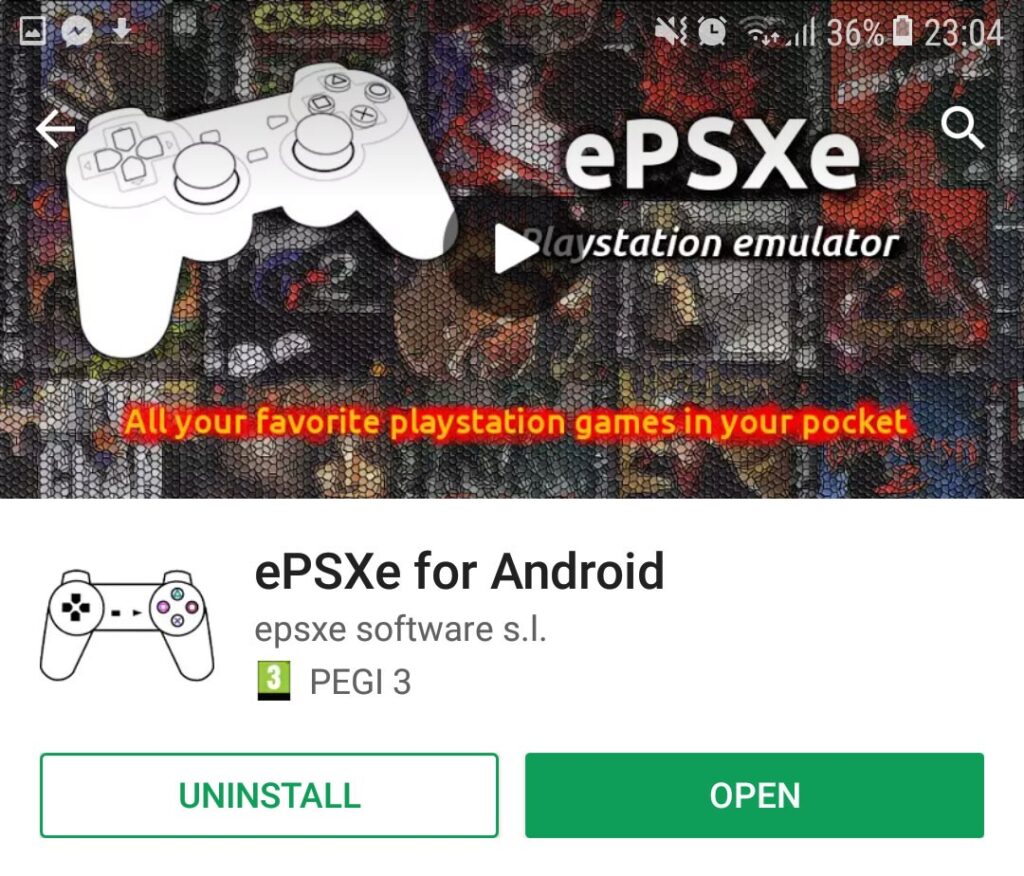
The first step toward reliving PlayStation classics on your Android device is to download a compatible PS1 emulator. There are several options available on the Google Play Store, but among the most reputable and stable is the ePSXe emulator. Although it is a paid application, its performance and reliability make it a worthwhile investment for gaming enthusiasts. The emulator offers features such as high compatibility with PS1 games, customizable controls, and save states, providing an experience close to playing on the original console.
To download, simply search for “ePSXe Emulator” in the Play Store or visit the official page. For detailed setup instructions and troubleshooting, the official site provides comprehensive guides that help you optimize your gaming experience.
Install Zarchiver for File Management
Next, you’ll need an app to handle compressed files—Zarchiver is a popular choice among Android users. This application allows you to decompress BIOS files, game ROMs, and other archives efficiently. Installing Zarchiver from the Play Store is straightforward; once installed, it serves as a vital tool for managing all your game files. With Zarchiver, you can extract BIOS files, ROMs, and other archive formats quickly, ensuring your files are correctly organized for emulator use.
Download the PS1 BIOS File
The BIOS file acts as the key to unlocking the emulator’s functionality, emulating the original PlayStation hardware. Without it, your emulator cannot run games properly. It’s essential to obtain the BIOS from legitimate sources and ensure it’s the correct version for your region—commonly the USA BIOS is recommended for compatibility.
You can download the BIOS file from trusted sources, such as this link, where the files are verified and safe. After downloading, use Zarchiver to extract the BIOS archive into a dedicated folder, preparing it for configuration in your emulator.
Download PS1 Game ROMs
Now, it’s time to load your favorite titles. Many websites offer a wide selection of PS1 game ROMs, but always prioritize legal and reputable sources. Emuparadise was previously popular, but now Coolrom.com is a reliable alternative with an extensive library.
Navigate to the site, select the PlayStation section, and browse by genre, title, or alphabet to find your desired game. Download the game files directly to your device and extract them using Zarchiver. Remember to respect copyright laws and only download ROMs for titles you own physically.
Configuring the Emulator
With all files downloaded and extracted, the next step is to properly configure your emulator for optimal gameplay. Open Zarchiver and locate your BIOS files—typically named SCPH1001.zip or similar. Extract these files into a dedicated folder, then launch the ePSXe emulator.
Select the option to “Run BIOS,” which prompts the emulator to scan your device for BIOS files. Once detected, you’ll need to set up your game. Tap “Run Game,” navigate to your game folder, and select the appropriate .bin or .cue file. The emulator will load the game, and you should see the familiar startup animation, bringing you back to those nostalgic moments.
Proper configuration ensures smooth gameplay, accurate graphics, and reliable controls. For further customization, explore emulator settings such as controller mapping, screen aspect ratio, and save states. Emulators like ePSXe also support features that enhance the gaming experience, such as shaders and cheat codes, making your retro gaming sessions more immersive.
Playing PlayStation titles on your mobile device not only offers an enjoyable pastime but also allows you to experience gaming history firsthand. Whether it’s the thrill of classic adventures or the challenge of old-school platformers, your Android device can be transformed into a portable console for timeless entertainment. For a modern twist on game design and development, consider exploring mobile gaming app creation, which can help you develop your own titles or customize existing ones.
If you’re interested in the broader benefits of using cross-platform solutions for app development, you might find this resource insightful: the advantage of cross platform mobile solutions. Dive into the world of retro gaming today and rediscover your favorite PS1 classics anytime, anywhere.